Now that the game is retired, how do instructors access student activity?
Instructor reports showing student activity are available for the following books:
- 21st Century Astronomy, 6th edition
- Understanding Our Universe, 4th edition
- Astronomy: At Play in the Cosmos, 2nd edition
Choose your Student Set from the drop down at the top of the page and click Report to view the following student activity.
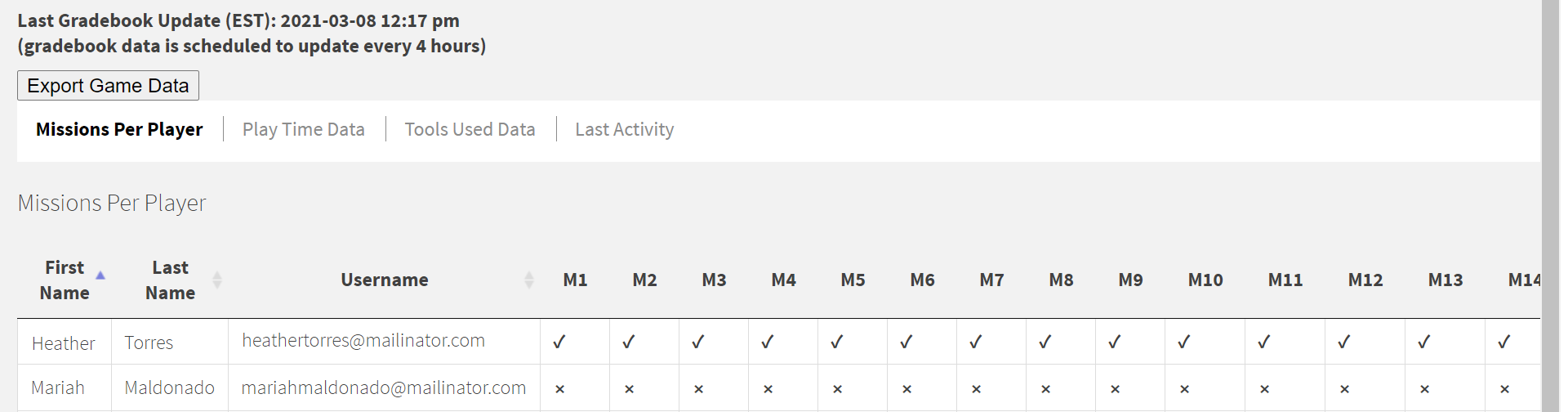
Mission Completion
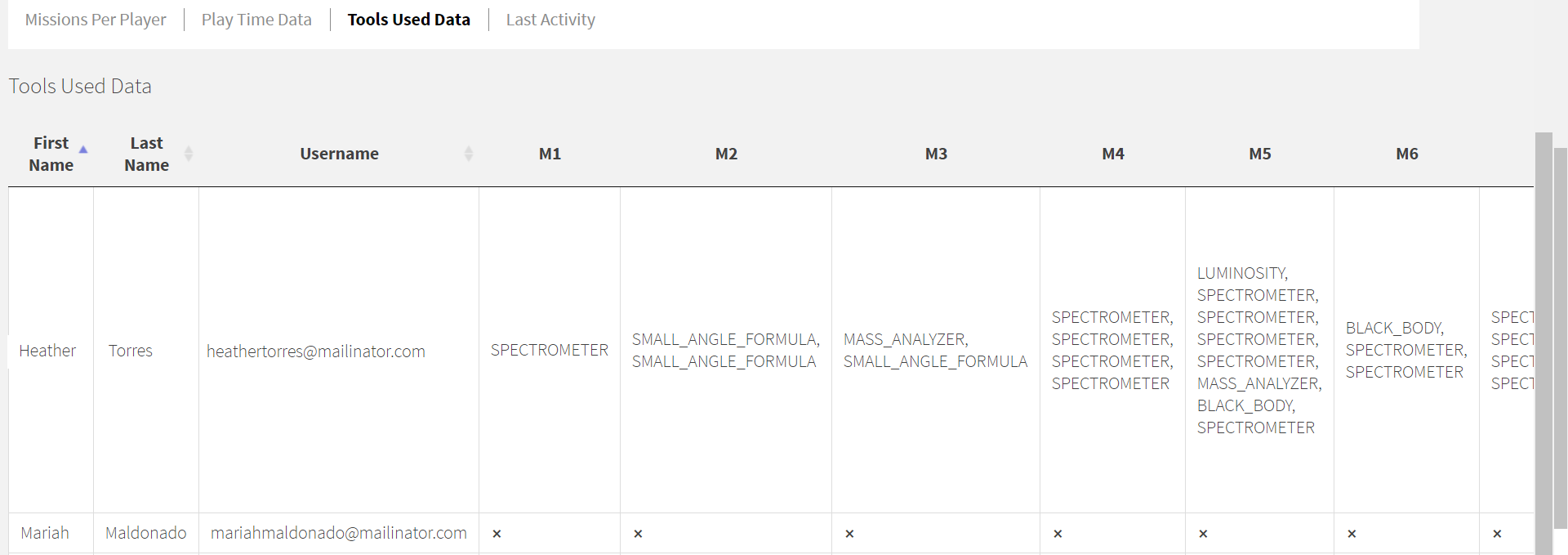
Students' patterns of Tool usage within each mission
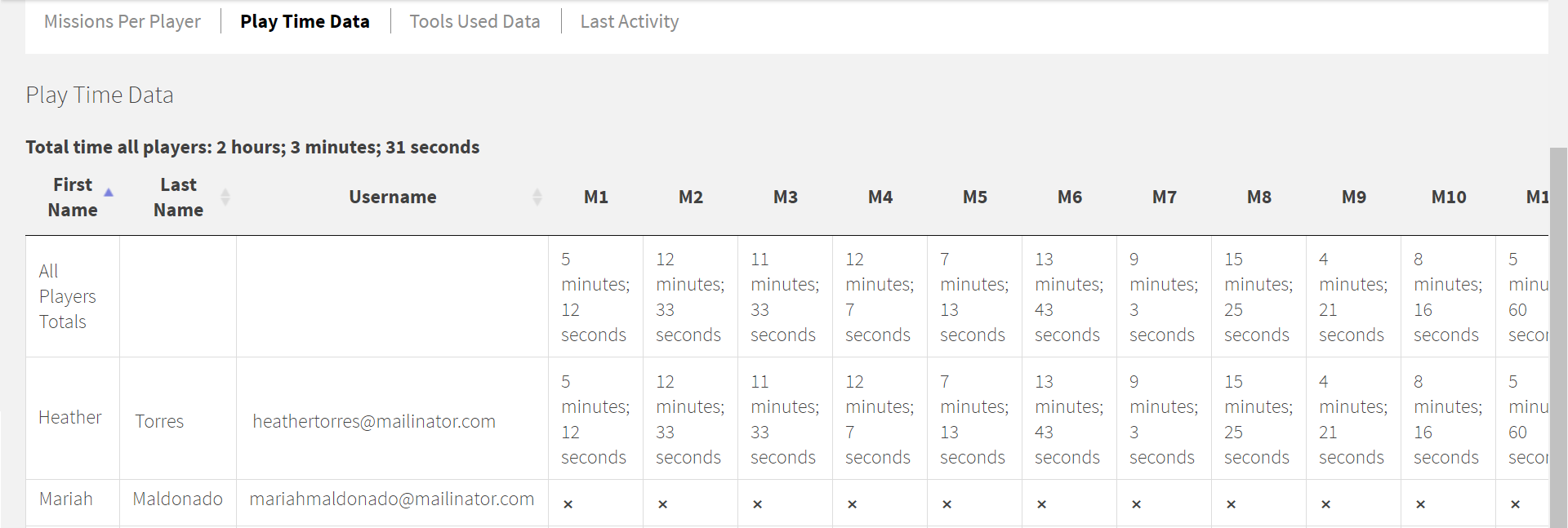
Time on Task
Submit a Support Request
Still need help? Submit a support ticket and a customer support specialist will be happy to assist you.
Opened a request already? Click here for an update.